
iKuuu VPNFor Windows
Your Windows,
ready to connect.
Download, install and connect in a few steps. Find a setup that works for your everyday browsing and work.
For standard Windows devices. Windows 7 requires its dedicated edition.
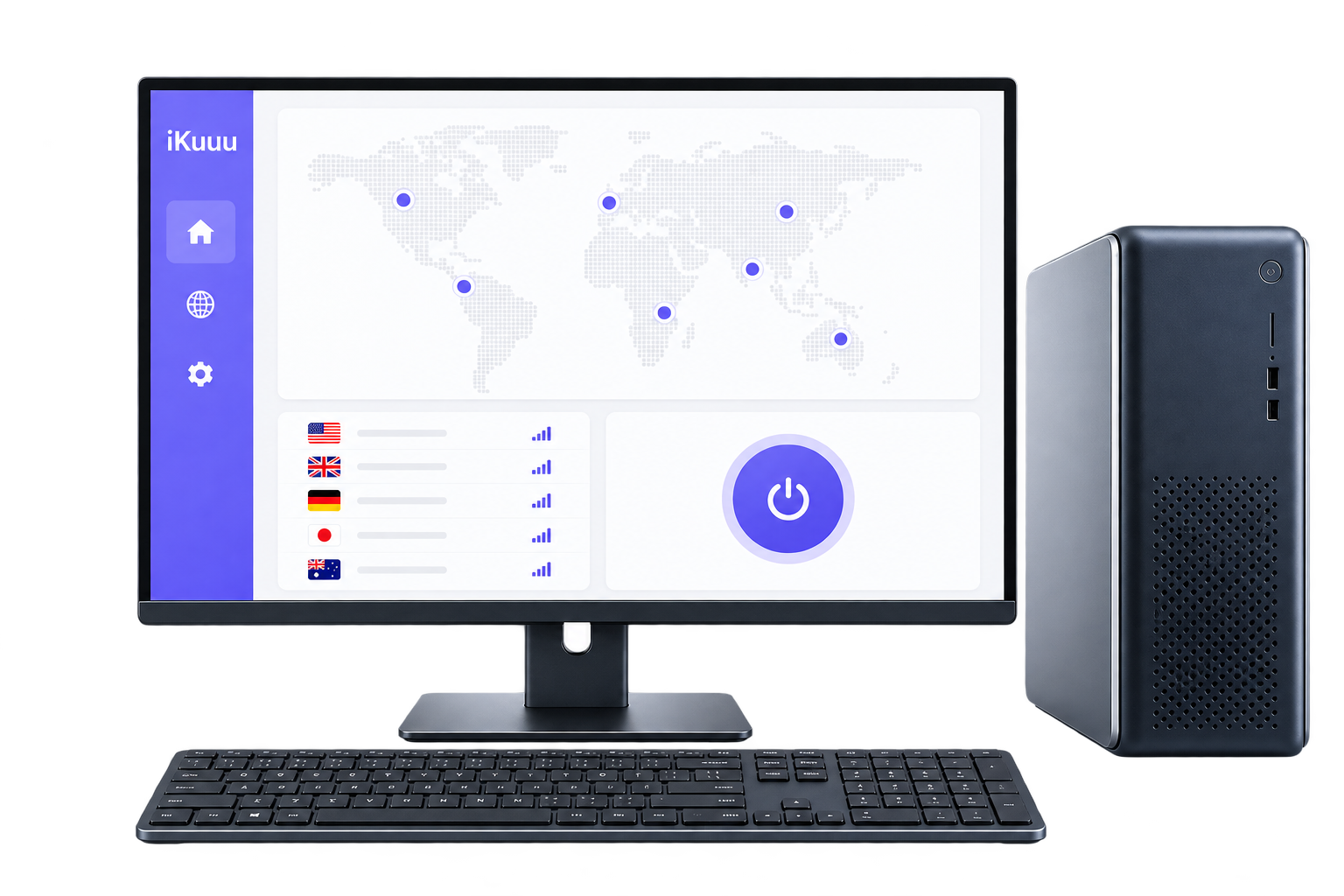
Get started on every device
A new screen. The same simple start.
Start connecting here
Ready in three steps.
Follow the guide to make your first connection.
- 01
Download and install
Choose the standard installer or dedicated Windows 7 version for your system, then download and install it.
- 02
Log in to your account
Open the client, choose the account login option and sign in with your iKuuu account.
- 03
Choose a server and connect
Select the server available for the account, and then click the client ' s hint to open the connection.
Before you install
Choose the right version for a smoother setup.
The download here is an x64 installer. Windows 7 requires a dedicated version; check the official guide for other compatibility details.
Find other versions on the official siteSystem and installation details
- System
- Windows 7 or later; Windows 7 requires its dedicated version
- Processor architecture
- x64 / amd64
- Installation format
- .exe
- Account required
- iKuuu account
- Current version
- v0.17.5
Download links and version information come from the official guide. Check the source page for the latest details.
You might also want to know
Your questions,
answered before you connect.
A common answer for Windows installation and use.
Open the official guideWindows 7 Which version should be downloaded?
The main button downloads the standard Windows version. Windows 7 users should open the official guide linked in the installation section and download the dedicated Windows 7 x64 version.
Can it be used on the ARM version Windows?
Only an x64 Windows installer has been verified. A native ARM version has not been confirmed. Check device compatibility in the official guide before installing.
After downloading the client, do you need an account?
Yes. Sign in with your existing iKuuu account to use the servers available to that account. New users can register on the official site, then follow the setup guide.
We can't connect after login. What can we check first?
First confirm the account status and remaining data and check the accuracy of the system ' s time before attempting other available servers. If the connection is still not available, please consult the web-based course and service announcements.
Your next step
Ready, set, connect.
An account is in place and log in directly after installation. For the first time? Let's start with free trial.