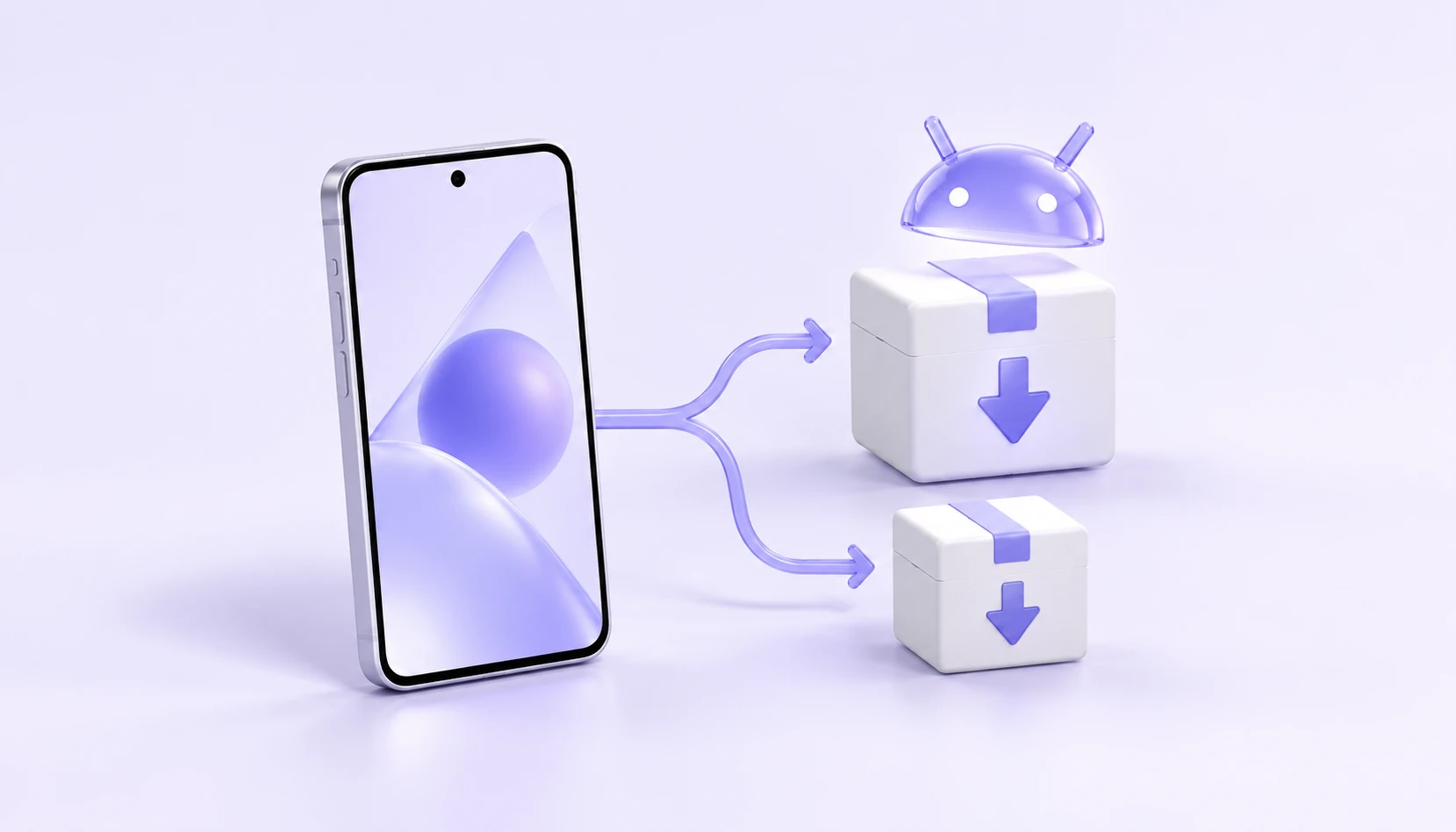
Android's official curriculum offers two portals, arm64 and a generic version. It is more direct to confirm the system requirements before selecting the installer than to repeat attempts at an unknown version.
Check the Android version first
The minimum requirement currently checked is Android 9.0. Cell phones or tablets should meet system requirements before considering a specific installer structure.
The generic version does not mean that the minimum system requirements can be ignored; if the version is too low, the compatibility statement in the official web course still needs to be viewed.
Most devices, look at arm64 first.
The default entry point for the official course is arm64, which applies to most Android devices. If the device hints are not compatible, the common version can be viewed through the official curriculum.
- Default Entry
- arm64
- Other Versions
- Universal
- Installation format
- APK
- System requirements
- Android 9.0 or later
Bring the download entrance to the phone.
When the computer opens the Android download page, you can click "Scanning Download " , scan a 2-dimensional code with your mobile phone and open a plan link in your mobile browser.
If you have been browsing on Android devices, you can also click the download button. Once the documents are available, the installation is done on the basis of the equipment and the instructions of the official curriculum.
Open Android Download PageCheck accounts and connections after installation is completed
Open iKuuu VPN, login using the official website account. The connection is opened after the account status, available data and server have been confirmed.
If the installation fails, record a specific hint to check the system version and the installed plan structure; if the installation fails but the connection fails, check it on a case-by-case basis in accordance with the Connection Quest Guide.
View the official Android tutorialSource and updated description
This paper is an example of a guide in a revised version of the official website and is not an official bulletin. For 2026-10-11, the installation requirements and current service information are based on the most recent information available from the following sources.