
New to iKuuu
Your first connection,
in three simple steps.
Prepare your account, install the right client and connect for the first time. Follow the steps for your device, with everything you need in one place.
Windows · macOS · iOS · Android · Linux
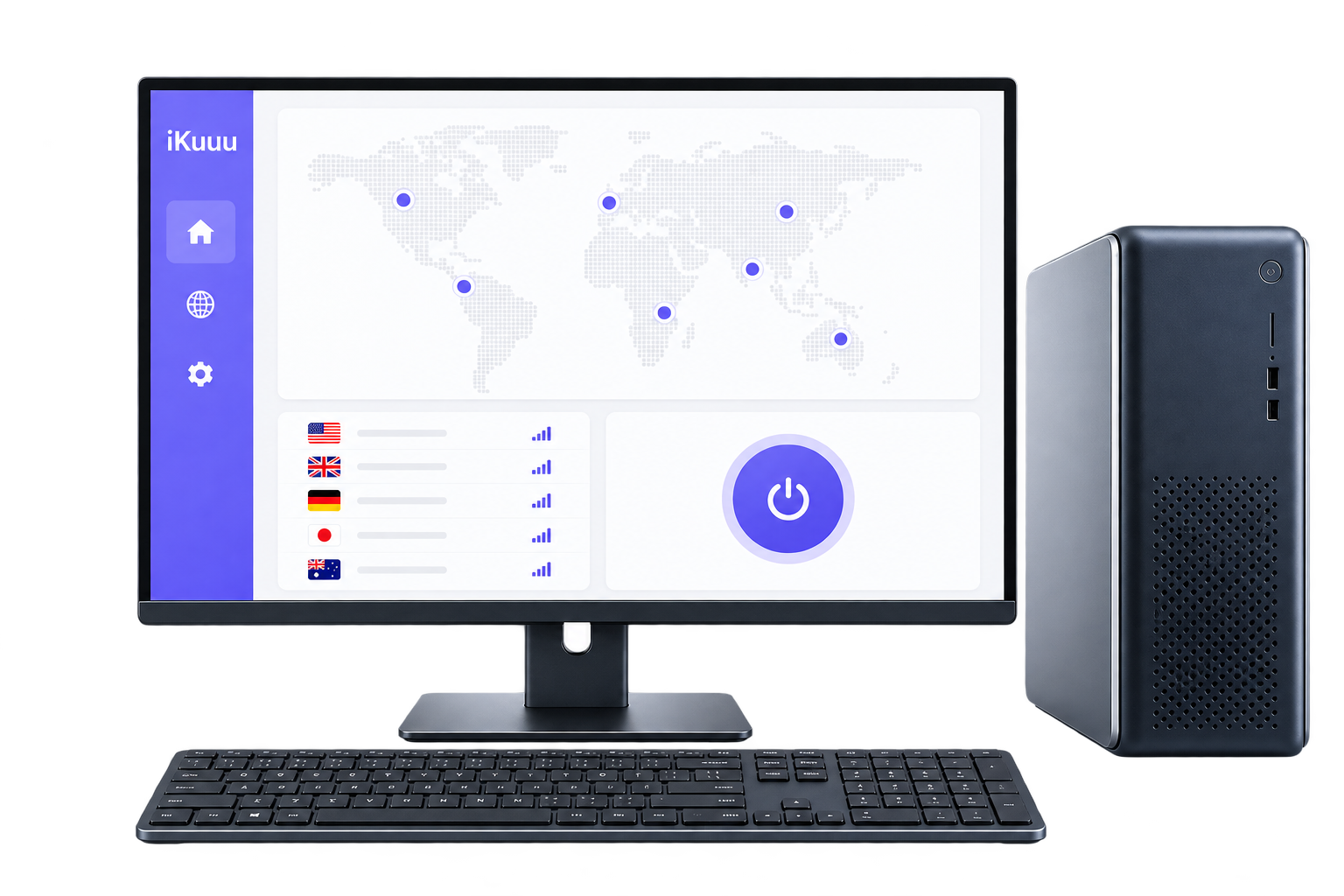
Get your account ready.
An iKuuu service account is required to use the client.
Have an account? Continue here.
First use can be registered with the official website. Log in to the user centre to confirm the status of accounts, available data and servers and then start installation.
Registration and account management take place on the official iKuuu site.
Install on your device.
Select your device to view its installation instructions.
iKuuu VPN
WindowsWindows 7 or later
The download here is an x64 installer. Windows 7 requires a dedicated version; check the official guide for other compatibility details.
Make your first connection.
Finish these steps in your installed client.
- 1
Log in and set up
Open iKuuu VPN and log in with your official iKuuu account.
- 2
Choose an available server
Select the server within the account permission, bearing in mind the server multiplier and the remaining data. The time of the system is confirmed prior to its use.
- 3
Connect and check
Opens the connection by using a client hint, and then opens your usual web page to confirm that it is usable in the current network environment.
Need a hand?
Check these things first.
The hint at the time of the retention problem is checked according to the corresponding platform ' s tutorial.
The bag can't be installed. What do we do?
Check that the system version and processor architecture match the installer. Windows 7 needs its dedicated version. On Mac, distinguish Apple silicon from Intel. For Android, check the universal version if arm64 will not install. Refer to the official guide for Linux compatibility.
Can't find the app on your iPhone?
iOS uses the third-party client OpenVXS. App Store availability depends on your Apple ID region. Check that your account can access the app, then follow the official iOS guide.
Can't connect after login. What can you check?
Check your account status, plan permissions, remaining data and system time. Try another server available to your account. If the issue continues, check official announcements and the guide for your client.
An easier next step
Ready? Let's get connected.
Each platform has a separate download page, and the system requires and uses steps to view it together.
View supported platforms